Ason Chat Button
Visitors reach WhatsApp with a ready message; your page loads no script and no cookie.
WhatsApp chat button with a ready message: no script, no cookie, no external requests, cache friendly.
PRO ₺1.500 / year · 2 sites · The free version needs no licence.
- WordPress 6.8+ · Tested with 7.1
- PHP 7.4+
- Required plugin None
- Version 2766.0.1.2
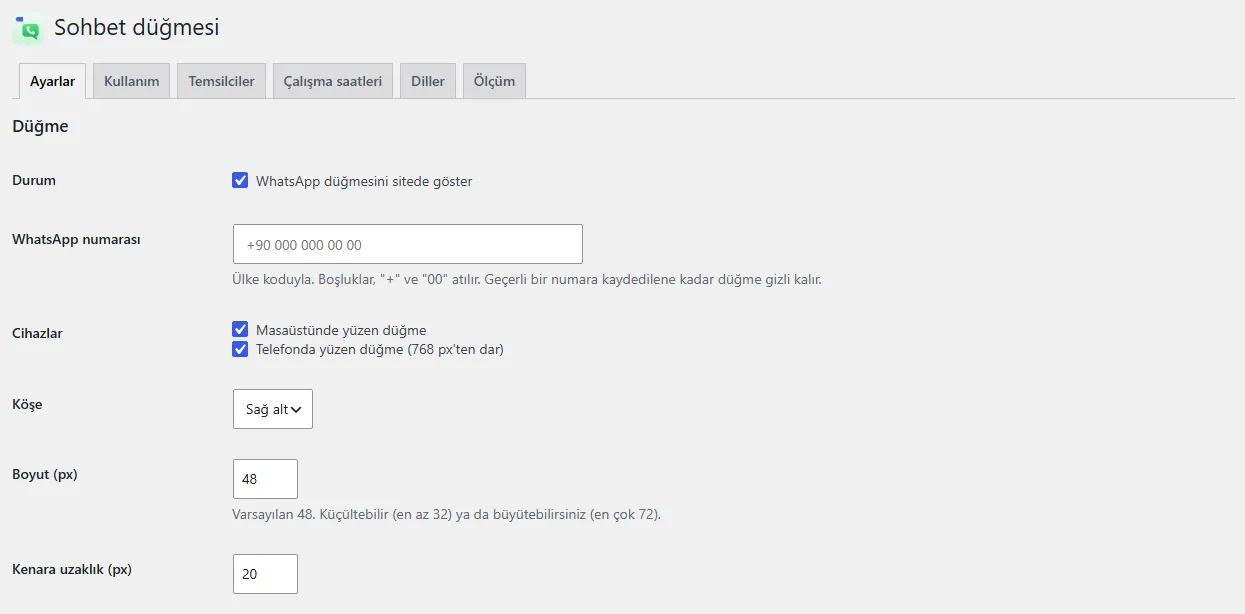
Where the button sits, and what the message says.
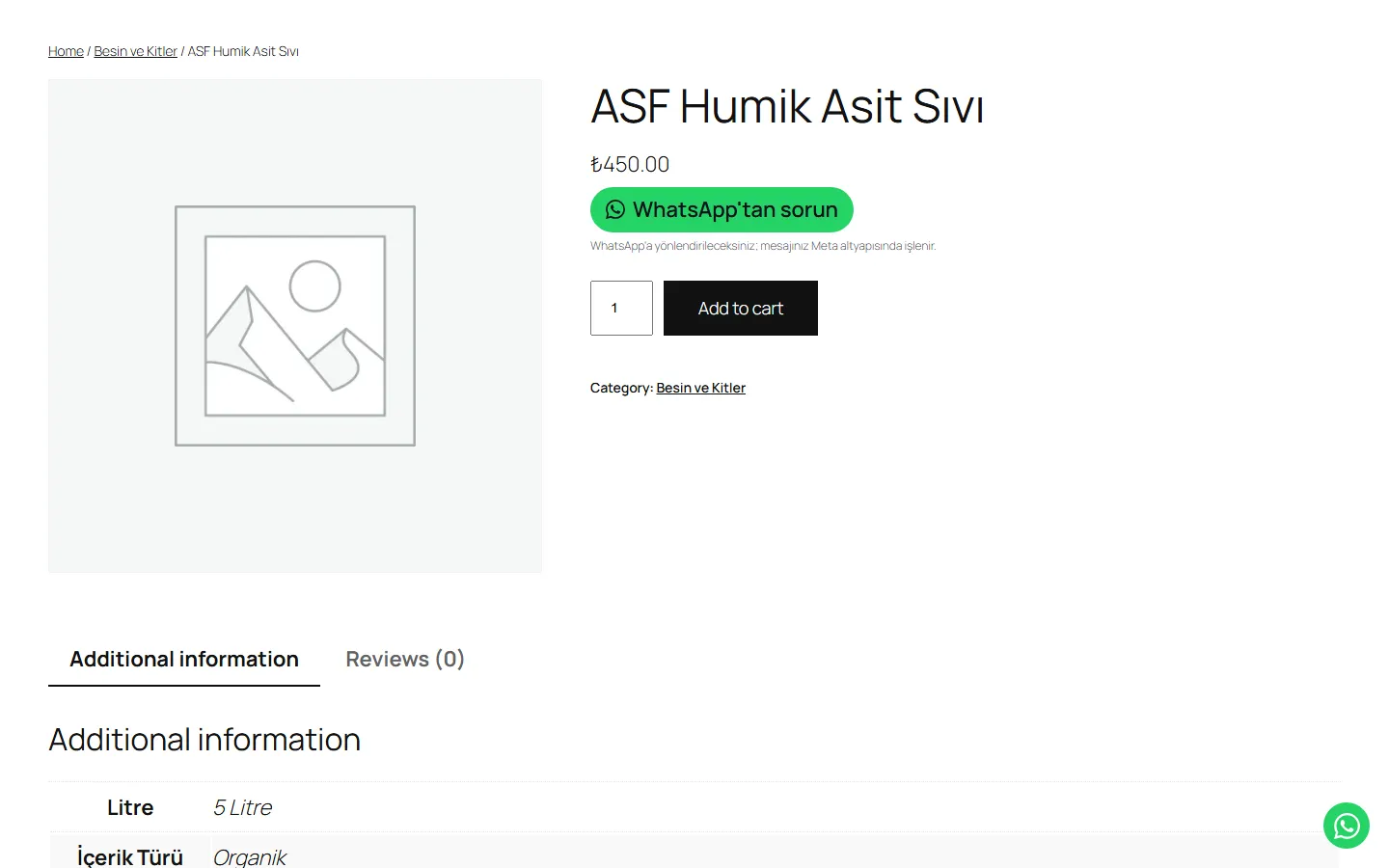
Pick the corner and the page, then press the button: the ready message your visitor sees in WhatsApp changes with the page.
Illustrative preview: pressing the button only shows the message on this page; WhatsApp does not open and no request is sent. Messages are the plugin's default texts.
FREE and PRO
What the free version does stays free. PRO is a separate add-on installed on top of the free plugin.
| Feature | FREEFree | PRO₺1.500 / year |
|---|---|---|
| In the free version | ||
| Floating button in the bottom right or left corner, separately on desktop and phones | ||
| Ready message by page (product name and address on product pages) | ||
| Choose what a product page is: WooCommerce products, pages or any custom content type | ||
| Shortcode and optional WooCommerce product button | ||
| Privacy note (KVKK / GDPR) before the visitor goes to WhatsApp | ||
| Cache friendly, no JavaScript, accessible | ||
| PRO only | ||
| Several agents (up to 10) with a chooser or rotation | — | |
| Working hours: hide the button or show a “leave a message” note | — | |
| Messages and agents per language | — | |
| Elementor widget | — | |
| Consent-based click event (Google Tag Manager / GA4) | — | |
Set up in three steps
Install the free version
Download the plugin and install it from Plugins > Add New > Upload. The core works without a licence.
Get a PRO licence
Buy it in the store; the licence key and the PRO add-on appear in your account.
Enter the key
Install the PRO add-on the same way and paste the key into Ason Teknoloji > Licence.
- Version
- 2766.0.1.2
- Last updated
- 2026-10-29
- WordPress
- 6.8+ · Tested with 7.1
- PHP
- 7.4+
Frequently asked questions
Are my settings kept when I move from free to PRO?
Yes. PRO installs as a separate add-on on top of the free plugin; you keep the free plugin, and your settings and records stay in place.
What happens when the licence expires?
The PRO features switch off. The free plugin keeps working and your data stays. When you renew, PRO picks up where it left off.
On how many sites can I use one licence?
Each PRO licence activates on the number of sites shown on the product page. To move it, deactivate the licence on the old site.
Does the free version need a licence?
No. The free plugin needs no licence key and contains no licensing, update or telemetry code.
Is there a refund?
A PRO licence is digital content delivered at the moment of purchase; under Turkish distance contract rules there is no right of withdrawal. You can try the free version before you buy.
Start free, move to PRO when you need it.
FREE
- Floating button in the bottom right or left corner, separately on desktop and phones
- Ready message by page (product name and address on product pages)
- Choose what a product page is: WooCommerce products, pages or any custom content type
- No licence key needed.
PRO
- Everything in the free version
- Valid on 2 sites
- One year of updates and support
Instant delivery · No right of withdrawal for digital content. When it expires, the PRO features switch off; the free plugin and your data stay in place.
The Ason plugin family
One admin menu, one licence screen. Every plugin has a free and a PRO version.