
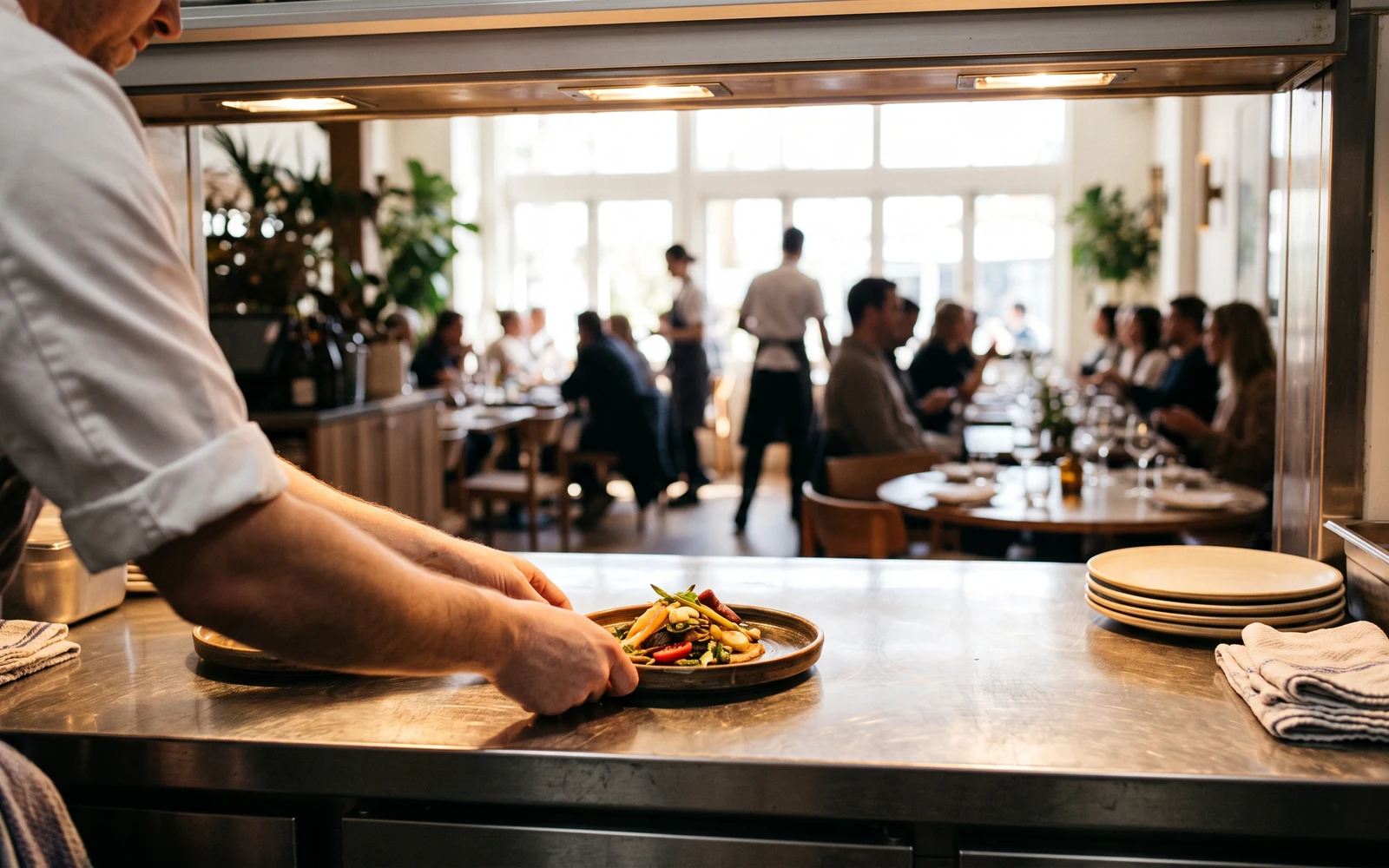
Ason Restaurant
Dining room, QR, kiosk and takeaway — whatever the channel, the order lands on one screen.
Ason Restaurant does not care where an order came from: the QR code at the table, the kiosk, the phone and the marketplaces all appear on the same kitchen screen, each badged with its source. You build the menu once and every channel reads that same menu.
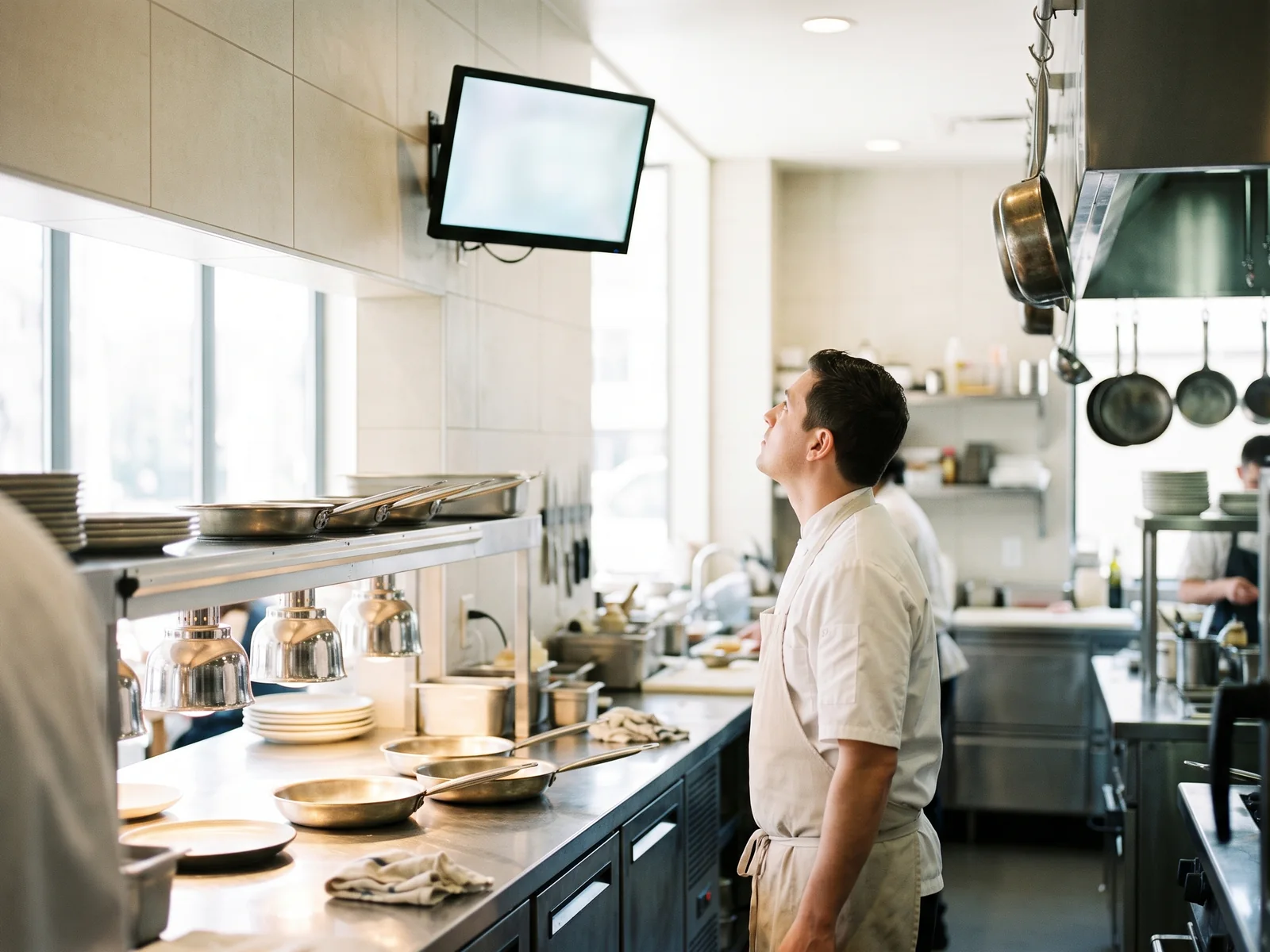
The kitchen looks at one screen
Whatever channel an order arrives on, it joins the same list and carries a badge saying where it came from. The kitchen display is card-based and refreshes itself every fifteen seconds — staff never reload the page. As the order's state changes, the customer's tracking page changes with it.
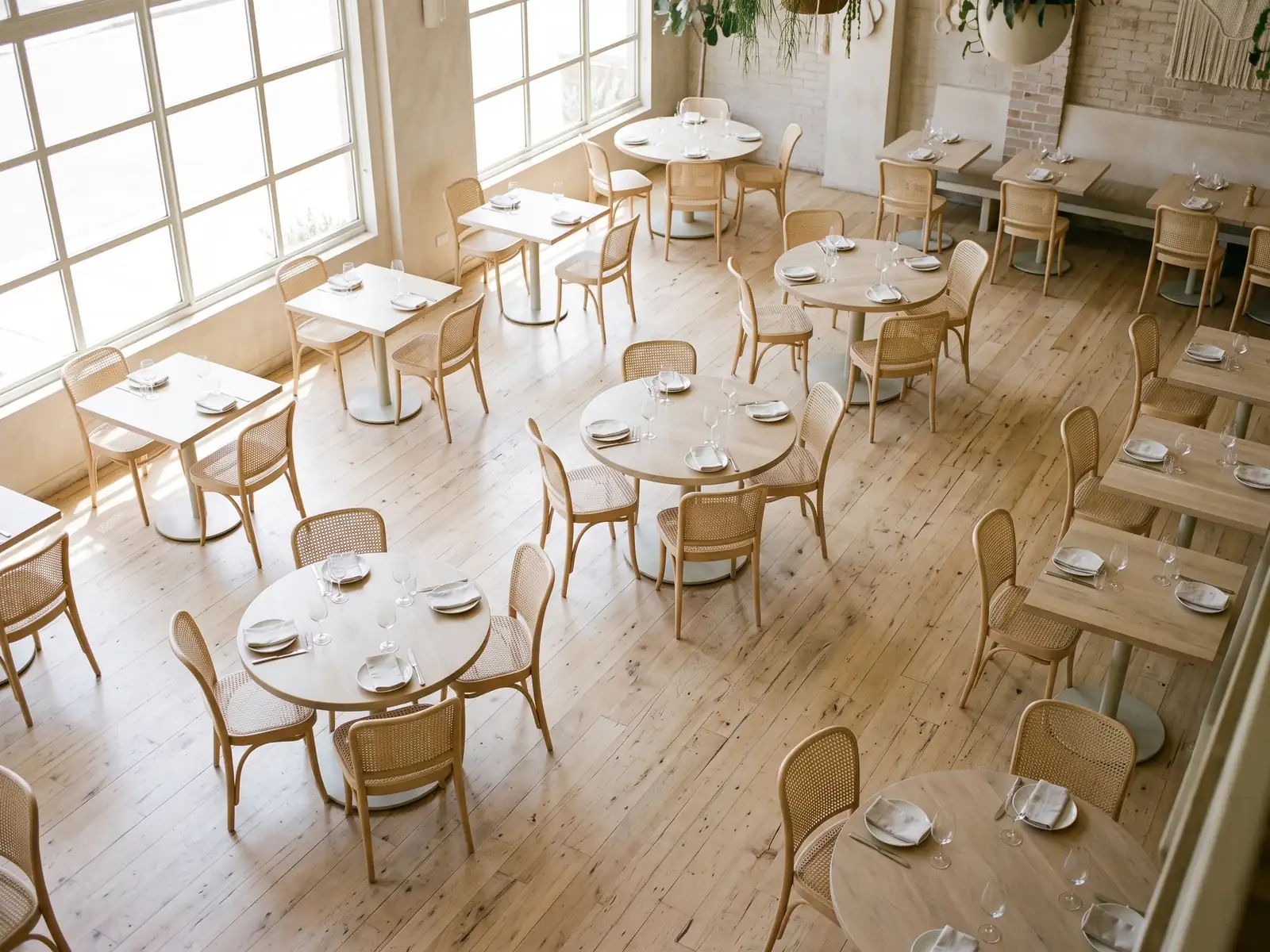
The table plan is a record, not a drawing
You lay out the room by dragging; tables show occupied or free by colour. A table can have only one open session at a time — a rule the database guarantees rather than the interface requesting. The bill accumulates until the session closes, and when it closes it is closed.
Two addresses at once, one of them yours
Your menu opens both from the brand address and from your own domain: you set something like menu.yourrestaurant.com, the DNS is genuinely verified and the certificate is obtained automatically. A restaurant without a domain starts on the brand address with nothing to install, and moves to its own address later if it wants. To put the menu inside your existing site, pick a table and copy the ready-made embed code.
Every channel opens and closes on its own
Dining-room QR, kiosk, takeaway on the brand address, takeaway on your own domain, and staff entry — five switches, each independent. A closed channel is never shown to customers, and if someone opens the address directly the server refuses with a clear error. Closing takeaway during a busy evening is one switch away.
On takeaway orders, you ask the questions
Pickup and delivery are managed separately. You add your own questions to the order form — text, number, choice, date, time or checkbox, with no limit on how many. "Is the doorbell working?", "Who should the invoice be addressed to?", "What time would you like it?" — the form is yours to build. Orders taken over the phone can also be entered by hand from the panel.
Marketplace orders come in
Orders from Trendyol Yemek, Trendyol Market, Getir Yemek and Migros Yemek arrive in the system and appear on the kitchen screen with their source badge, so staff are not watching four separate tablets. Sending your menu to those platforms and pushing order status back to them is outside the scope of this version.
Data protection is not a checkbox added later
The privacy notice and explicit consent are kept apart: a customer can order without giving consent. The texts are versioned and never deleted, so a consent given in the past stays bound to the text shown that day. A customer can withdraw consent from a single link. The tracking link carries an unguessably long key; line items and the total are visible, while personal details and order notes are not.
The customer's phone does not set the price
An order's price is never taken from the client — the server reads it from the menu and writes the order at that price. A product belonging to another restaurant, or an item from an unpublished menu, cannot enter an order. What is not on the menu cannot be ordered, and anything that looks like a discount does not pass without server-side verification. That is why opening the QR menu to customers is not a risk.
One kitchen screen
QR, kiosk, takeaway, phone and marketplace orders in one badged list, refreshing itself every fifteen seconds.
Your own domain
Set menu.yourrestaurant.com, the DNS is verified and the certificate arrives on its own.
Channel switches
Five order channels, each opened and closed independently; a closed channel is invisible to customers.
- Management modules: Menu · Orders & Kitchen Display · Tables · QR Menu · Kiosk · Takeaway · Order Channels · Data Protection · Administration
- Customer surfaces: per-table QR menu · brand address · your own domain · full-screen kiosk · order tracking link
- Menu: categories, products, variants, images, sold-out switch; multiple menus, each with its own address and QR
- Domain: real DNS verification and automatic certificates
- Embedding: ready-made embed code with table selection
- Takeaway: pickup and delivery managed separately; unlimited custom questions (text/number/choice/date/time/checkbox)
- Marketplaces: incoming order intake (Trendyol Yemek · Trendyol Market · Getir Yemek · Migros Yemek)
- Payment: pay on delivery
- Price safety: price lives only on the server, read from the menu
- Architecture: multi-tenant; module-level access and role-based permissions (view and manage separate)
- Security: single sign-on with Ason ID, two-factor authentication, rate limiting, audit and error logs
- Interface: Turkish; light/dark theme on the admin side, customer surfaces always light
- Responsive management screens for desktop and mobile
Frequently asked questions
Does the customer have to install an app?
No. They scan the QR code, the menu opens in the phone's browser, and they order from there.
Can we take card payments?
In this version the working method is payment on delivery. There is no payment-gateway connection.
Do Trendyol and Getir update our menu automatically?
No. We receive orders from those platforms and show them on the kitchen screen; sending the menu to them and pushing order status back is outside the scope of this version.
Can we set up more than one menu?
Yes. Breakfast, dinner and bar menus can each be built separately, each with its own address and QR, or shown as tabs on a single page.
Can a customer order without giving consent?
Yes. The privacy notice is information; explicit consent is optional. A customer who gives no consent can still order, and one who did can withdraw it later from a single link.
Let's Talk About Your Project
Contact us for free technical consulting.