
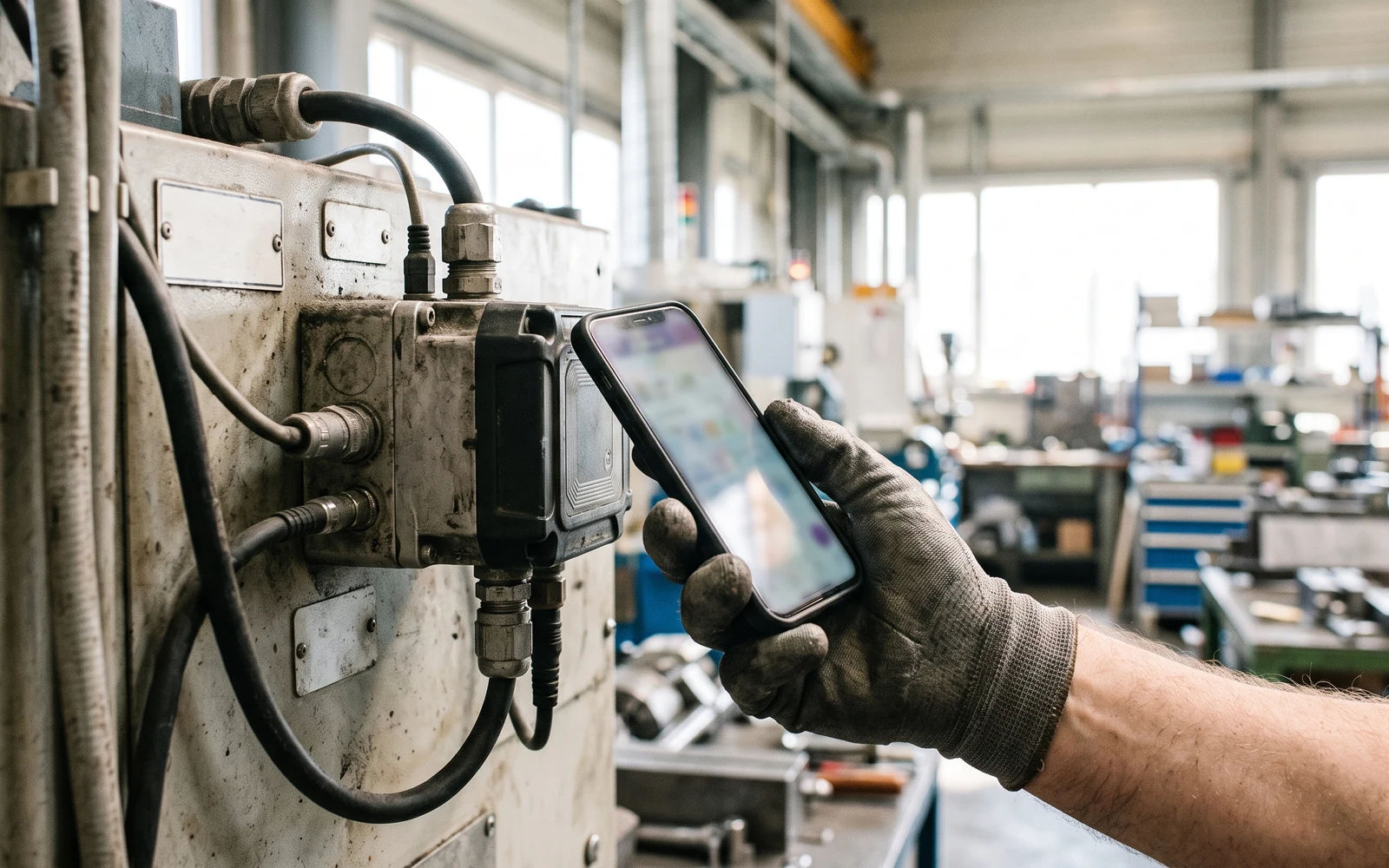
Native Mobile App
Each platform written in its own language — not imitating how a phone behaves, but using it.
- Swift
- Kotlin
- Store publishing
We build the mobile app separately for each platform, in that platform's own language: Swift on iOS, Kotlin on Android. We care less about the speed a single codebase buys than about the user feeling that the app belongs on their phone.
Each platform in its own language
Native development means using the platform's own interface rules directly rather than borrowing them. The back gesture, keyboard behaviour, share sheet, notification permission, dark mode — none of these are things the user has to learn, because they work exactly as the rest of the phone does. With no layer in between, there is also nothing to wait for when a new OS version ships.
- Swift and SwiftUI on iOS
- Kotlin and Jetpack Compose on Android
- The platform's own interface conventions
- New OS versions adopted without waiting on an intermediate layer
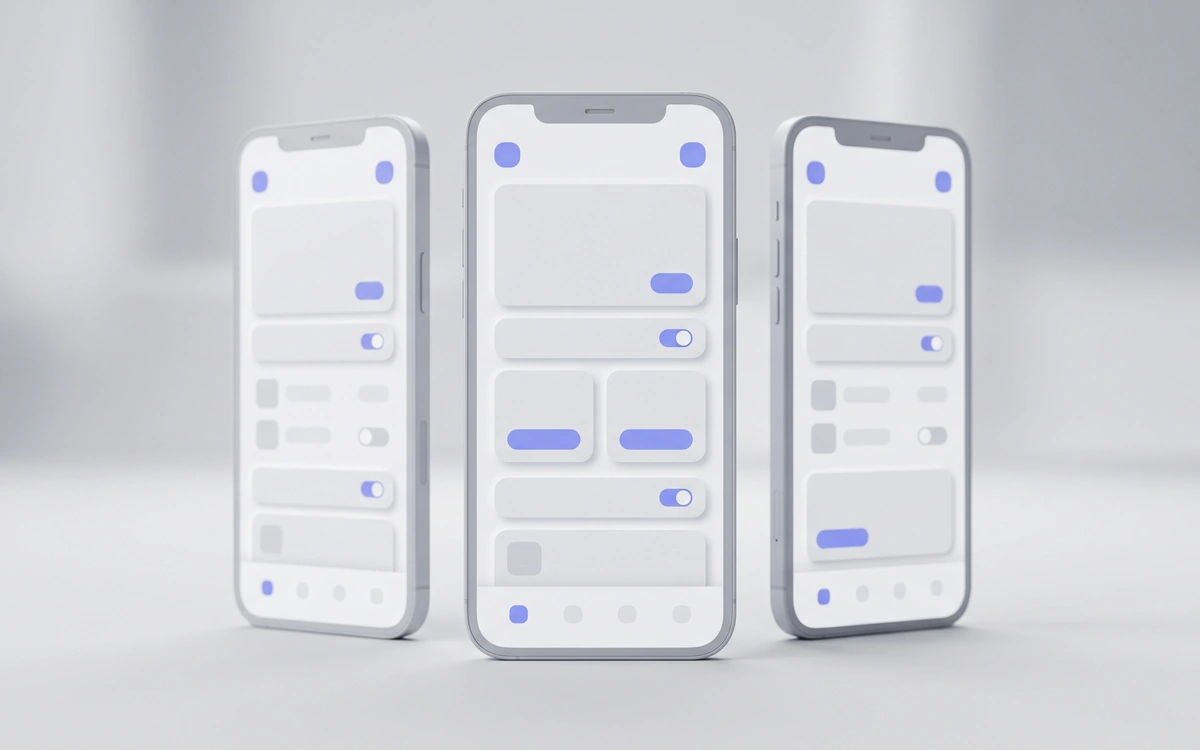
Access to everything inside the phone
Camera, location, Bluetooth, NFC, biometric authentication, background tasks and secure on-device storage are all directly available natively, without hunting for a plugin. If you are building an app that talks to hardware — a field device, a measuring instrument, a card reader — that difference shows up in the first week, not in theory. Because Ason's electronics side sits under the same roof, the device and the app can come from the same team.
- Camera, location, Bluetooth and NFC
- Biometric authentication
- Background tasks
- Secure on-device storage
- Pairing with your own hardware
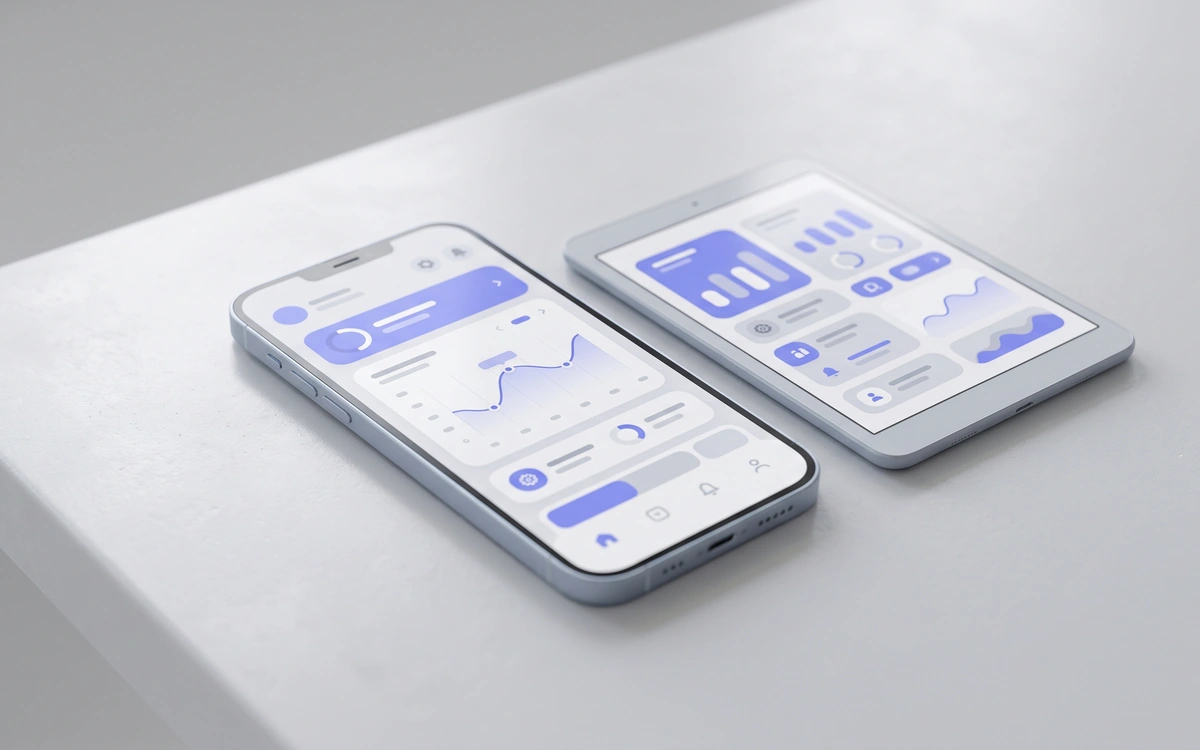
It should work without a signal
Connectivity is the problem an app used in the field meets most often. We build it to store data on the device first and send it when the line returns, so the user is not thinking about the connection while recording. Duplicate submissions, conflicting edits and half-finished uploads are each handled explicitly — "it will sort itself out when the internet comes back" is not a design.
- Local database on the device
- Automatic sending when connectivity returns
- Duplicate-record protection
- Conflicting edits handled explicitly
We run the store work
Finishing an app and publishing it are not the same thing. Developer accounts, signing certificates, privacy declarations, data-use forms, store imagery and test distribution are all part of the publishing job. We handle those steps; all we need from you is ownership of the corporate accounts, because the app should belong to you.
- Developer account and signing setup
- Privacy declaration and data-use form
- Store imagery and description copy
- TestFlight and internal test distribution
- Account ownership stays with the customer

Going live is the beginning
A mobile app is not written once and finished: a new OS version arrives every year, store rules change, and the libraries it uses need security updates. We watch crash reports, prepare release notes and publish the updates. Because the team that wrote the app maintains it, the next version does not start with learning it from scratch.
- Operating system version compatibility
- Tracking store policy changes
- Crash and error monitoring
- Release publishing

The user does not know what it was written in; they know how it feels
Our reason for going native is not a list of technologies: it is scrolling that does not stutter, a keyboard that opens correctly, and an app that does not feel foreign on the phone.
- iOS: Swift · SwiftUI
- Android: Kotlin · Jetpack Compose
- Device capabilities: camera, location, Bluetooth, NFC, biometric authentication
- Offline operation with a local database
- Background tasks and push notifications
- App Store and Google Play publishing
- Test distribution (TestFlight / internal testing)
- Crash monitoring and release maintenance
- Integration with your existing systems (ERP, CRM, your own API)
Let's Talk About Your Project
Contact us for free technical consulting.