

Mail Server
Whether mail sent from your own domain actually arrives is a question of how it was set up.
- SPF · DKIM · DMARC
- Spam protection
- Delivery tracking
Setting up corporate e-mail is not the same as opening an account. The mail has to actually be delivered, your domain has to be impossible for others to impersonate, and you have to be able to see where an outgoing message ended up. That is the work this page describes.
Let your domain speak for you
The most common reason mail lands in the spam folder is its identity, not its content. We set up the sender authentication records for your domain (SPF, DKIM, DMARC), get the signing right and turn on reporting. Anyone trying to send fake mail in your name is stopped at the other end, and you see it in the report.
- SPF, DKIM and DMARC records configured
- DMARC reports made readable
- Spoofing attempts made visible
- Separate identity for subdomains and marketing sends

Mailboxes, aliases and groups
Mailboxes, department addresses, aliases and distribution groups are built around how your organisation actually works. What happens to a departing employee's mailbox, which address forwards to whom, and who can see shared mailboxes are decided up front — when these decisions are made later, the usual result is lost mail.
- Mailbox, alias and distribution group setup
- Department and shared-mailbox permissions
- A handover rule for departing employees
- Desktop, mobile and web access

Filter what comes in, keep what goes out clean
On the inbound side, spam and malicious attachment filtering, rules against known phishing patterns, and encryption on the connection. On the outbound side the real issue is reputation: separating bulk sends from daily correspondence, making the unsubscribe link work properly, and clearing bounced addresses from the list. Once reputation is damaged, recovering it takes longer than the original setup.
- Spam and malicious attachment filtering
- Rules against phishing patterns
- Encryption in transit (TLS)
- Bulk sends separated from daily correspondence

"I sent it" is not enough; "did it arrive?" gets an answer
You can see whether outgoing mail is queued, was refused by the receiving server, or was delivered. A refused message does not vanish quietly; it is recorded with its reason. That is the difference between a salesperson who believes the quotation went out and one who knows it never left because of a typo in the address.
- Delivery, queue and rejection records
- Bounces shown with their reason
- Blocklist status monitoring
- Log retention
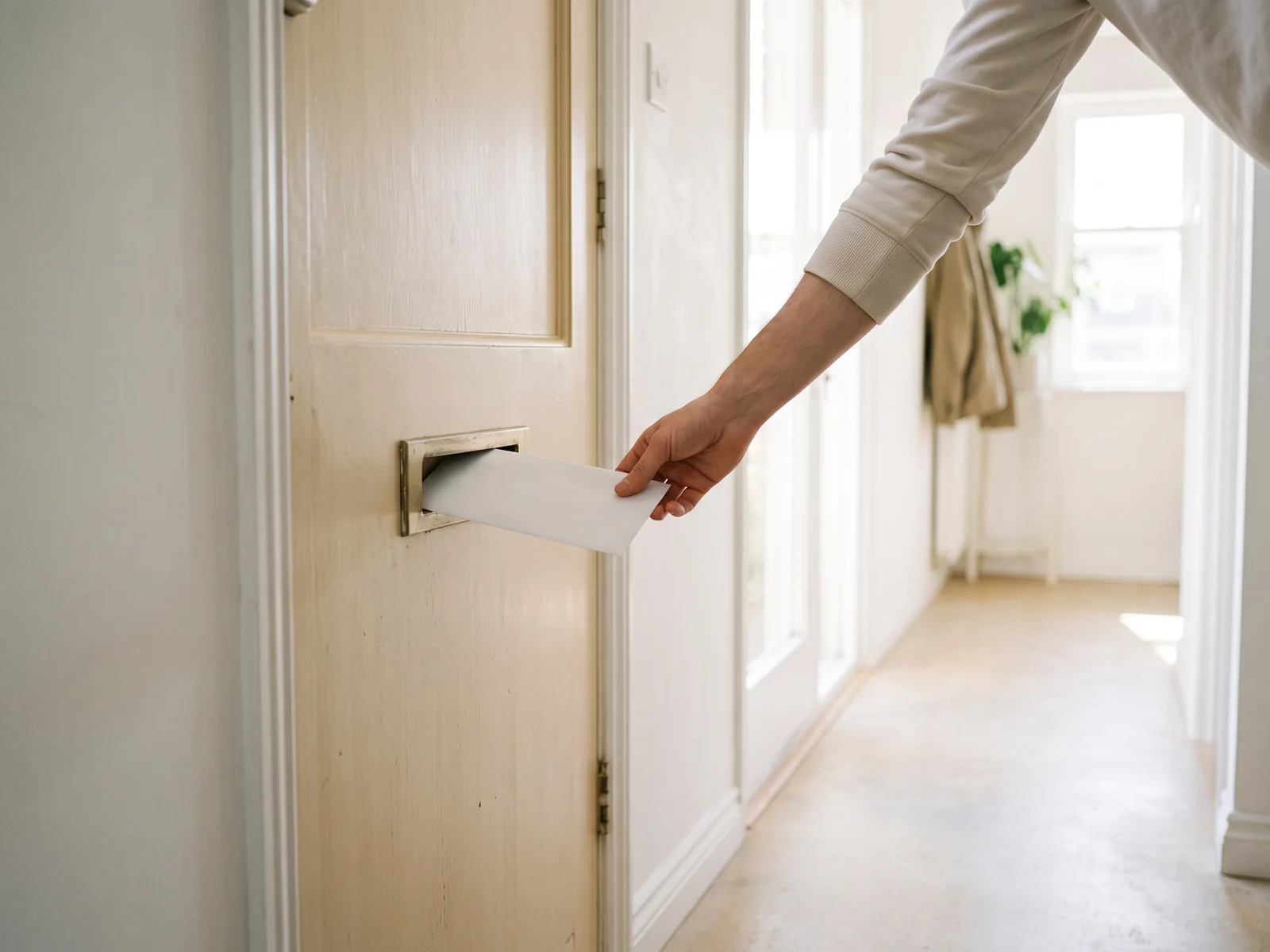
Moving without losing the mail you have
Most organisations are not starting from nothing; they have an archive built up over years and addresses people have memorised. We plan the move so the old and new systems run together for a while: the archive is copied, forwarding is set up, and nobody changes their address. Backup and a restore test are done before handover — a backup is only proven by restoring it.
- Archive migration from the current provider
- Both systems running during the transition
- Addresses preserved
- Backup and restore test

Mail that is not delivered is mail that was never sent
The setup is judged not by the mailbox opening but by the message appearing in the recipient's inbox.
- SPF · DKIM · DMARC configuration and reporting
- Mailbox, alias and distribution group management
- Spam, malicious attachment and phishing filtering
- Encryption in transit (TLS)
- Delivery, queue, rejection and bounce tracking
- Blocklist monitoring
- Archive migration from an existing provider
- Backup and restore testing
- Desktop, mobile and web client setup
Looking for cloud-based corporate mail? Our Google Workspace services →
Let's Talk About Your Project
Contact us for free technical consulting.